Velo for Education

From a syllabus update to a course video, before the semester starts.

Built for teams that refresh course content every term, not once a decade.

Point Velo at the updated syllabus, the Canvas module, or a five-minute lecture recording, and get a course, onboarding, or admissions video, grounded in your actual content and narrated in your voice, before the term begins.

The syllabus changed over the summer. Half the course videos are still explaining last year's version.

The knowledge already exists, in the updated syllabus, the revised Canvas module, the new admissions requirement. Turning it into video that's ready for the first day of term is still a manual pass: book the instructional design team, record a lecture, wait on editing before the semester starts.

The manual stack

  1. 01 Syllabus update
  2. 02 Book studio
  3. 03 Record lecture
  4. 04 Edit
  5. 05 Term starts, video still not live

Works for one term. Breaks down the moment the syllabus changes again, and next term's video is already out of date.

Term starts in 4 days, Module 4 video still explains last year's content

With Velo

  1. 01 Syllabus update
  2. 02 Script
  3. 03 Render
  4. 04 Posted to Canvas
  5. 05 Auto re-render

Fix the script, not the video. Every course video matches the current syllabus, ready before the first day of class.

Every module current before day one, no re-shoot required

Plugs into the systems your team already runs on.

You don't have to build a new content pipeline. Velo reads what's already in Canvas, Blackboard, or your admissions CRM, and turns it into a clear, on-brand video.

Your source

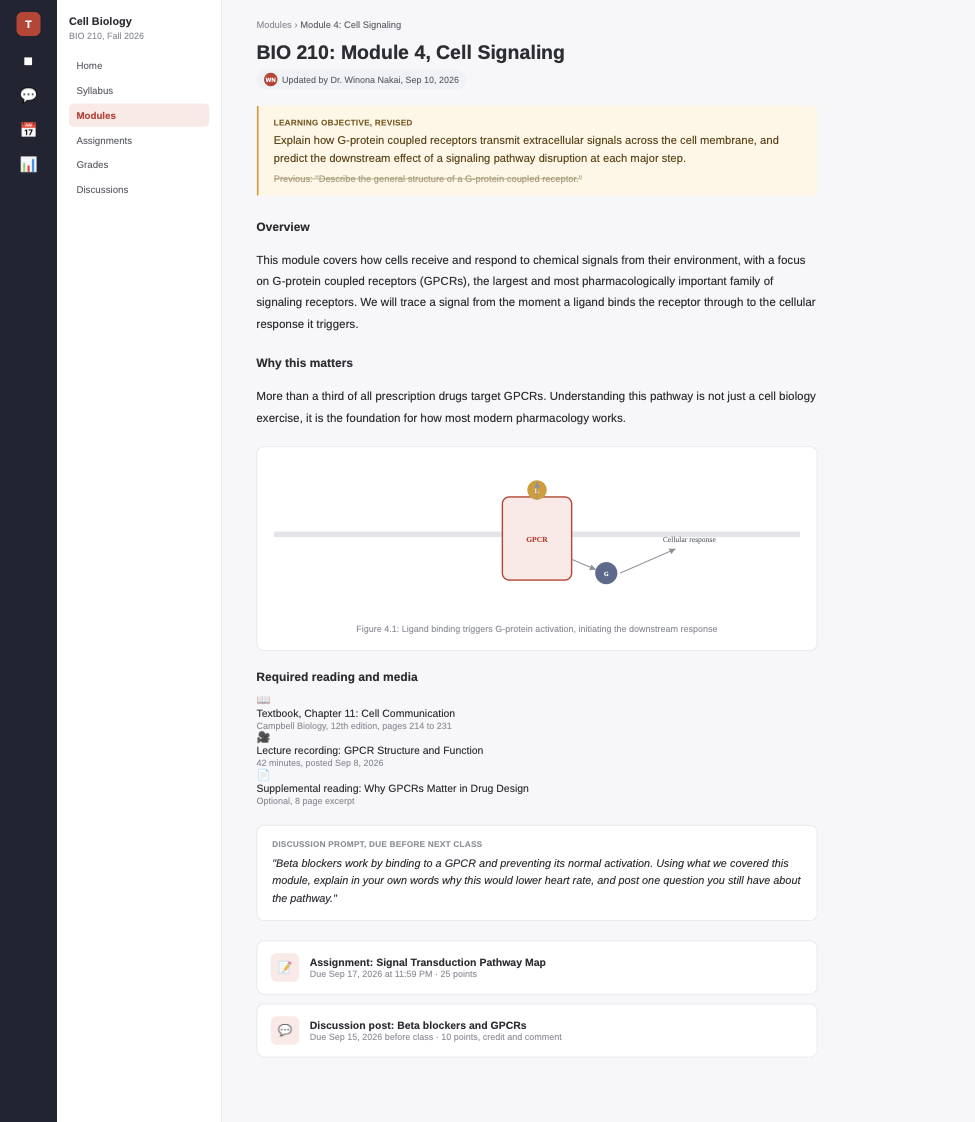
Canvas · BIO 210 Module 4: Cell Signaling

Rendered output

Same system. Different job to do.

One shared course and program library, used differently by every role across the student journey.

  • Instructional Design

    "Here's what changed in Module 4."

    Course video, live in Canvas before the first day of term.

  • Admissions & Enrollment

    "Here's what the program actually looks like."

    Info-session video, sent to every applicant who inquires.

  • Student Success

    "Complete these steps to get set up."

    Onboarding video, watched in week one instead of a missed advising session.

The same video does three jobs, because your institution already shares the same content.

A syllabus update isn't three separate assets. It's one revised module, rendered once, reused everywhere your institution needs it.

  • Instructional Design

    Ships it.

    Points Velo at the revised syllabus, reviews the script with faculty, hits render.

  • Admissions

    Repurposes it.

    Same render becomes the info-session video, no new brief needed.

  • Student Success

    Reuses it.

    Same render becomes part of the week-one onboarding sequence.

One course library. One shared video record. No section starts from zero.

From syllabus to clear video in four steps.

Point it at what already exists. Review the script once. Ship the video to every section that needs it.

  1. 01

    A syllabus, a Canvas or Blackboard module, an admissions requirement, or a lecture recording.

  2. 02

    Structures the explanation and writes the script for faculty review before anything renders.

  3. 03

    Narrated in your voice, on brand, every time.

  4. 04

    A Canvas module, a Blackboard post, a Slack message, or a shareable link.

One video system for every education moment.

From the first admissions touchpoint to the next syllabus revision, without starting over each time.

  1. 01 · Inquiry

    Admissions & program videos.

    Grounded in the live program details, not a brochure from last cycle.

  2. 02 · Syllabus revision

    Course module videos.

    What changed and why, ready before the term starts.

  3. 03 · Ongoing

    Auto-updating course content.

    Connected to the current syllabus, so a revision doesn't quietly go stale.

  4. 04 · Weekly

    Lecture recap videos.

    Replace a missed session with a video students can watch on their own time.

  5. 05 · Support

    Registrar & financial aid how-tos.

    Pulled straight from recurring student questions, no separate content pass.

  6. 06 · Global

    Multilingual onboarding.

    The same explanation, narrated in every language your student population speaks.

One grounded system, not a tool stack.

Course content changes every term. What stays consistent is the system your whole team ships video from.

  • Edit the script and Velo re-renders the video. No re-recording when the course content updates.

  • A syllabus, a Canvas module, an admissions FAQ, or a lecture recording becomes a structured, narrated script.

  • Trigger a render straight from a Canvas or Blackboard content update, via the API and SDK.

  • Connect Canvas, Blackboard, and your admissions CRM, so every video is grounded in the current version, not last term's.

  • One voice and look across every video, no matter which instructor or department made it.

  • Share a link, embed it in Canvas or Blackboard, or drop the written record into the course page.

  • See which students watched the video and where they dropped off, not just who was assigned it.

  • Let an agent turn a recurring registrar or financial aid question into a video on its own, no one has to kick off the render.

  • Already have a raw Zoom lecture recording? Velo cleans it up: zooms, callouts, cursor smoothing, and narration, without a re-shoot.

Ship the course video as fast as the syllabus changes.

Real course updates. Real term deadlines. A faster way to close the gap between a syllabus revision and students actually seeing it.

  • 36%

    Higher completion rate on video-supported modules

  • 55%

    Faster turnaround on course update video

  • 2x

    Course modules shipped, without adding instructional design staff

How a mid-size university got 40 revised course modules video-ready before the fall term.

A regional university's instructional design team of three supported faculty across six departments, each revising roughly ten course modules over the summer ahead of fall term. The team's usual process, scheduling a studio session with each faculty member, recording, then editing, could only realistically cover a fraction of the revised modules before classes started. Faculty resorted to posting text-only updates in Canvas, and student engagement with those modules consistently lagged behind ones that still had the original video.

The team connected Velo to Canvas. As faculty finalized their revised syllabi and module content over the summer, the instructional design team pointed Velo at each update, reviewed a first-draft script with the instructor, and rendered a video in the instructor's own cloned voice. All 40 revised modules had current video attached before the first day of fall term, a workload the team estimated would have taken until October under the old process.

Industry
Regional university, higher education
Company size
6 departments, ~12,000 students
Plan
Velo Ultra, department-wide rollout
Primary use case
Course module video

  • 40 modules ready

    Before the first day of fall term

  • 5x more coverage

    Same three-person instructional design team

  • Higher module engagement

    Versus text-only updates the prior term

We used to tell faculty we could get to their video updates by October. This year every revised module had video on day one of the term.
Director of Instructional Design Regional University
We get production-ready product videos in a fraction of the time, and we're shipping twice as many without adding headcount.
Zuzanna Kurasińska Content Marketing Specialist, import.io

A rollout playbook for education teams: how to get every course current before the first day of term.

Syllabus-to-video workflows, admissions and onboarding automation, and student success tactics, written for instructional design and enrollment teams.

Read the education video playbook

Start free, scale as your term calendar demands.

Course, onboarding, and admissions video are available on every plan. Higher tiers add auto-updating course video, LMS integrations, and workflow triggers.

Free

Try Velo on your next syllabus update.

$0

per month

  • 1,500 credits
  • 2–5 mins of video/month
Try for Free
Recommended

Pro

Auto-updating course video, brand kit, unlimited renders.

$41

per month, billed yearly

  • 3,000 credits
  • 5–10 mins of video/month
Get Pro

Ultra

Canvas, Blackboard, and admissions CRM integrations, multilingual output, advanced analytics.

$167

per month, billed yearly

  • 30,000 credits
  • 50–100 mins of video/month
Get Ultra

Enterprise

Workflow triggers from Canvas and Blackboard via API and SDK, security controls, institution-wide rollout.

Contact Sales
  • Custom credits
  • Custom seats
  • Custom avatars and voice clones
  • Custom integrations

Everything in Ultra, plus

SSO and SAML SCIM RBAC Advanced access controls Content governance Shared libraries API and SDK Private and public share pages Data residency SCORM export Workflow triggered videos

No. Velo is priced per account, so instructional design, admissions, and student success can all make video without a per-user bill.

No. Velo replaces the manual production work so faculty spend time reviewing and refining the script, not scheduling studio time.

Yes. Every video can be hosted with access controls and permissions, so it holds up to the same review as the rest of your stack.

Velo connects to Canvas, Blackboard, and your admissions CRM, plus a live lecture recording, so you're not re-entering content anywhere.

Course module videos, faculty and staff onboarding, admissions and enrollment videos, and student success guides, each grounded in your actual content with a written record alongside it.

Velo reads your context, a syllabus, a Canvas module, or a lecture recording, structures the explanation, writes the script, and renders the video narrated in your voice.

Yes. Edit the script and Velo re-renders the video. No re-recording, and the written record updates with it.

A screen recorder captures whatever you record, take after take. Velo turns course context into a structured, narrated video, re-renders when the script changes, and produces a written record alongside it.

Yes. The same explanation can render in any language, narrated in your voice, so course and admissions content reaches every student population you serve.

Yes. Video agents can turn a recurring registrar or financial aid question into a video on their own, so the backlog doesn't wait on someone's free hour.

Ship the course video as fast as the syllabus changes.

Point Velo at your next course update and see the video before the term starts.