How to Screen Record on Android
Most Android phones on Android 11 and later have a built-in screen recorder. Swipe down from the top to open Quick Settings, tap Screen record, choose whether to record sound and show taps, then tap Start. A countdown begins, then it records. Pull down and tap the notification to stop, and the video saves to your Photos or Gallery. Full steps are below.
This video was made with Velo. No editing, no retakes.
Try it free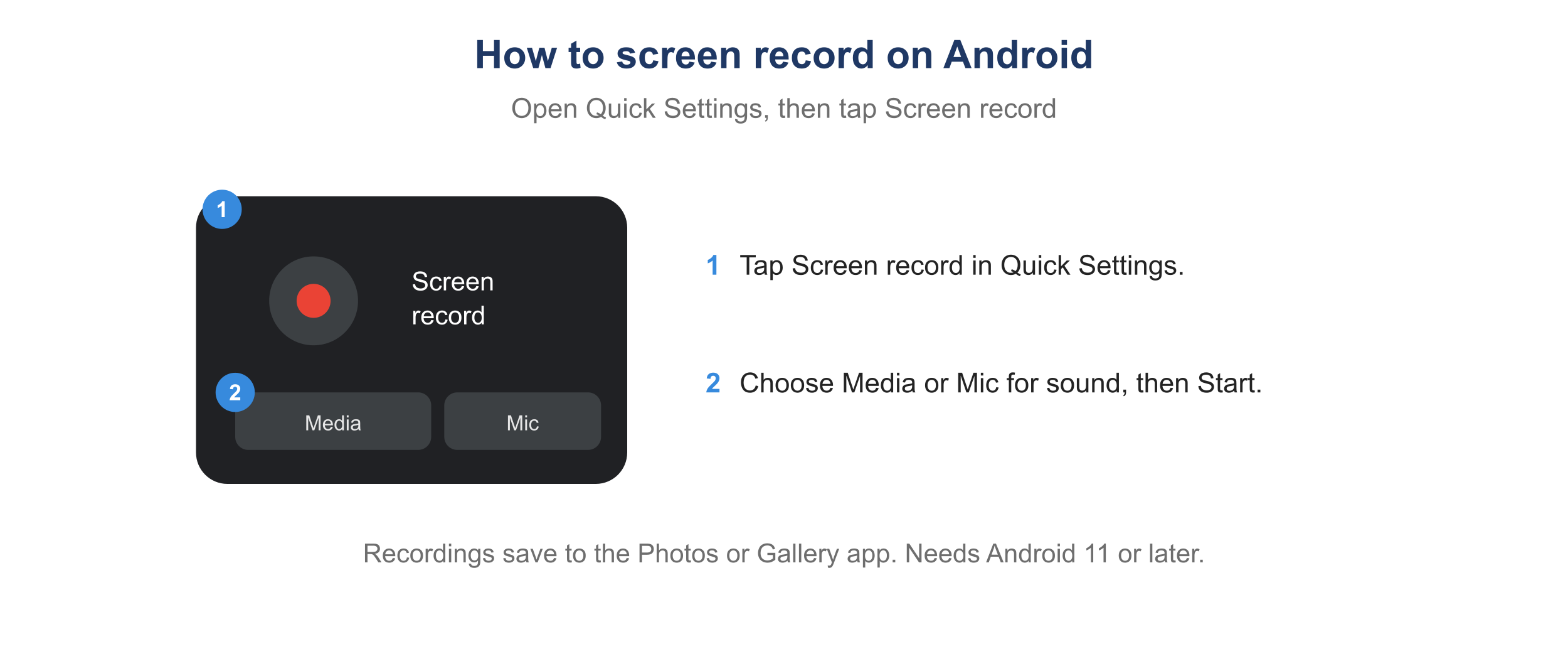
The Android Screen record tile in Quick Settings.
How to screen record on Android
- Swipe down from the top of the screen to open Quick Settings. Swipe again for the full panel.
- Tap Screen record. You may need to tap the pencil or plus to add the tile first.
- Choose whether to record audio and whether to show touches on screen.
- Tap Start. A three-second countdown appears, then recording begins.
- To stop, pull down the notification shade and tap Stop, or tap the recording indicator.
How to screen record on Android with sound
When you start, pick the audio source: Media for the sound playing on the phone, or Microphone (or Media and mic) to add your narration. Choose no audio for a silent recording.
Where do Android screen recordings save?
Recordings save to the Photos or Gallery app, usually in a Screen recordings folder. Trim one in the Photos editor, or to tighten the pace see how to speed up a video.
Why can’t I screen record on Android?
- There is no Screen record tile. Open Quick Settings, tap the pencil or plus, and add Screen record. On older Android versions the feature may be missing, so use a recorder app.
- There is no sound. Choose Media or Microphone when you start. Some apps block audio capture.
- Some apps show a black screen. Streaming and banking apps block screen recording by design.
How to turn an Android recording into a video worth sharing
A raw phone recording is long and rough. When you want to send it as a demo, a how-to, or a training clip, upload it to Velo on your computer and it rebuilds it into a polished video, trimmed with auto-zoom on what matters. One click also turns it into a written doc.